
Accidentally sent your Telenor balance to the wrong number? Don’t worry — you can get it back quickly. Whether you topped up using Easyload, a retailer, or the Telenor app, there are simple ways to reverse the transaction.
Telenor Load Reversal Code
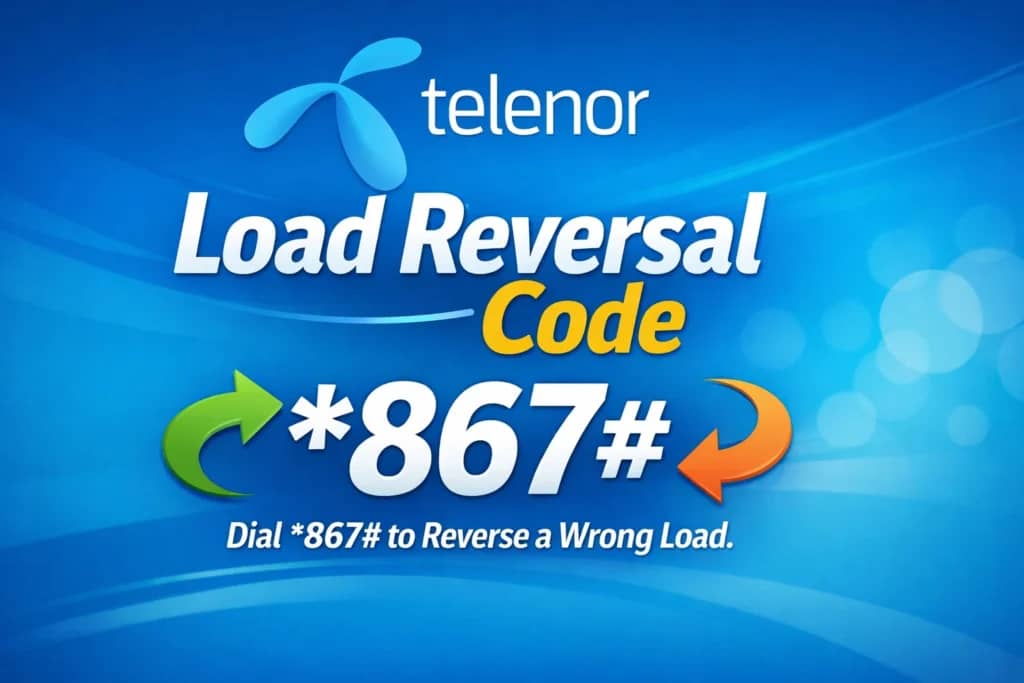
Table of Contents
You can use the Telenor Load Reversal Code to request a refund instantly. If that doesn’t work, Telenor’s customer support team is ready to help you recover your balance. Visiting a nearby Telenor franchise also provides a reliable option for resolving the issue.
Follow these steps carefully, and you’ll have your balance restored in no time.
What is Telenor Load Reversal?
Telenor Load Reversal is a convenient service that lets you recover mobile credit accidentally sent to the wrong Telenor number. It comes in handy in situations such as:
- Entering a wrong digit while recharging
- Sending balance to the wrong recipient
- Needing to cancel a transaction immediately
Important: You must request a load reversal within 24 hours, and the balance must remain unused by the recipient.
How to Reverse Telenor Load
Telenor offers multiple methods to reverse mobile credit quickly. Whether you prefer using USSD codes, SMS, or contacting customer support, you can recover your balance efficiently.
Also Read: Telenor Balance Check Code 2026
How to Reverse Your Telenor Balance Easily
Accidentally topped up the wrong number or sent the wrong amount? Telenor makes it simple to reverse your balance. You can do it through a quick USSD code, by calling support, or visiting a Telenor franchise. Here’s how:
Method 1: Use Telenor Load Reversal Code
The fastest way to reverse your Telenor balance is through the load reversal USSD code.
Steps to Follow:
- Get your Transaction ID and MPIN
Check your SMS inbox or ask the retailer for these details. - Dial the Reversal Code
Enter the format:*777*55*MPIN*TransactionID#
Example:*777*55*1234*TX456789# - Wait for Confirmation
Telenor will send a message confirming whether the reversal was successful. Keep in mind that some tax may apply. If the recipient already used the balance, the reversal won’t be possible.
Method 2: Call Telenor Helpline (345)
If the USSD code doesn’t work or shows an error, you can contact Telenor support for assistance.
Steps to Follow:
- Dial 345 from your Telenor number.
- Provide your MPIN and transaction ID to the support agent.
- The agent will process your request and notify you once the reversal is complete.
Method 3: Visit a Telenor Franchise or Customer Center
If you prefer in-person help, visit the nearest Telenor franchise or customer service center.
What to Bring:
- Your original CNIC (ID card)
- Your phone with the SIM card
- Transaction details (SMS or screenshot)
A Telenor representative will verify your information and process the reversal immediately.
Tips to Avoid Recharging the Wrong Number
- Always verify the recipient’s number before sending balance.
- Save frequently used numbers in your contacts to prevent mistakes.
- Avoid typing recharge codes manually; use saved templates or copy-paste carefully.
- Use the My Telenor App for fast, secure, and hassle-free recharges.
Conclusion
Telenor makes it simple to recover a mistakenly sent balance. You can quickly reverse the transaction using the Telenor Load Reversal Code, calling the helpline, or visiting a nearby customer service center. Acting promptly and keeping your transaction details ready increases your chances of a successful recovery. By knowing these methods, both new and experienced users can save time, avoid unnecessary costs, and prevent future frustrations.
FAQs
How long does it take to reverse my balance?
You can get your balance reversed within 5–15 minutes after submitting your request via USSD or the helpline.
Is there a fee for reversing the load?
No, reversing your load does not incur any extra charges.
Can I reverse the load without a transaction ID?
No, you need a valid transaction ID to reverse your load successfully. Make sure to keep it handy when making a request.

Written by
Muhammad Shabbar
Muhammad Shabbar is a committed telecom content specialist who simplifies Telenor call packages, SMS bundles, internet offers, and essential Telenor codes into easy-to-follow guides. With a strong emphasis on accuracy and clarity, he helps users across Pakistan activate services, manage SIM settings, and choose the most suitable bundles to meet their communication needs.
Related Posts

Telenor2 min read
Telenor Packages
Telenor Packages 2026 Since launching operations in Pakistan in 2005, Telenor Pakistan has grown into one of t…
Read More
Telenor11 min read
Telenor Customer Service Number
Telenor Customer Service Number: Your Complete Guide to Getting Help Fast Getting stuck with a mobile issue ca…
Read More
Telenor8 min read
Telenor Franchise Near Me
Find Telenor Franchise Near Me in Karachi Quickly If you’ve ever searched “where’s the nearest Telenor center”…
Read More